
Download TooManyTabs – Firefox tab manager, organize, save and restore tabs
Overview – Why TooManyTabs is the missing piece in your Firefox workflow
If you spend a large part of your day navigating the web, you’ve probably found yourself staring at a crowded Firefox tab bar, wondering where that crucial research article disappeared among a sea of open pages. TooManyTabs is a purpose‑built Firefox add‑on that transforms chaotic tab overload into a tidy, searchable, and fully controllable workspace. By allowing you to push idle tabs into hidden rows, the extension keeps the visible tab bar lean while preserving the exact state of each hidden tab – scroll position, form entries, and even playing media stay intact until you retrieve them.
The design philosophy behind TooManyTabs is simple: give power users a “holding pen” for tabs that aren’t needed right now, but might be essential later. Whether you’re a developer juggling dozens of documentation pages, a student collecting research sources, or a marketer monitoring multiple campaign dashboards, the ability to hide, rename, pin, and color‑code tabs reduces visual noise and dramatically improves efficiency. The add‑on integrates seamlessly with Firefox’s context menu, so a right‑click on any tab instantly offers the “Send to TooManyTabs” command.
From there, rows can be accessed with a single click, and you can even automate hiding based on custom rules. The result is a cleaner browser, faster navigation, and a lower risk of accidentally closing the tab you need most. For Chrome users, a parallel version exists, but the Firefox implementation remains the most feature‑rich and actively maintained, making it the go‑to solution for serious tab management.
Key Features that Set TooManyTabs Apart
- Hidden Rows for Unlimited Tabs: Store as many tabs as you like in separate rows that stay out of sight until you need them.
- State Preservation: Each hidden tab retains its exact browsing state – scroll position, form data, and media playback are saved.
- One‑Click Row Access: Dedicated Row 1, Row 2, etc., buttons let you instantly reveal the contents of any holding row.
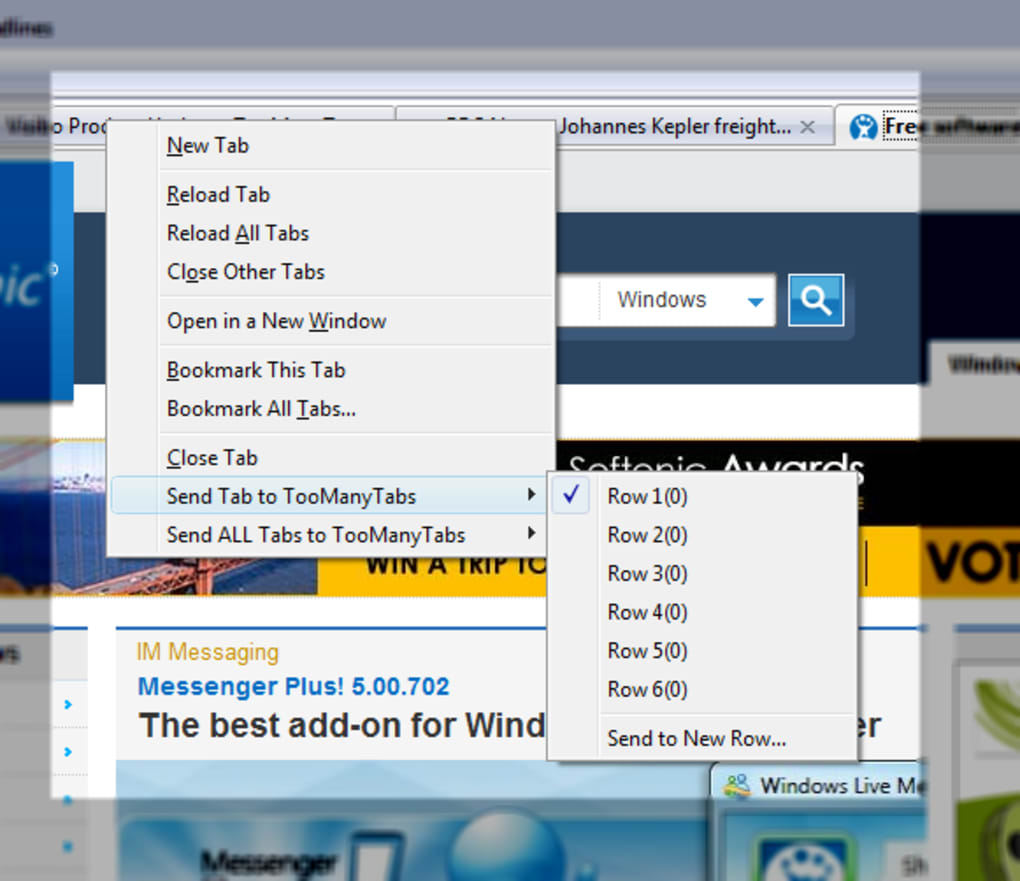
- Context‑Menu Integration: Right‑click any open tab and choose “Send to TooManyTabs” to move it without leaving the page.
- Rename, Pin & Color Tabs in Holding Rows: Organize hidden tabs with custom names, pin important ones, or apply color tags for visual categorization.
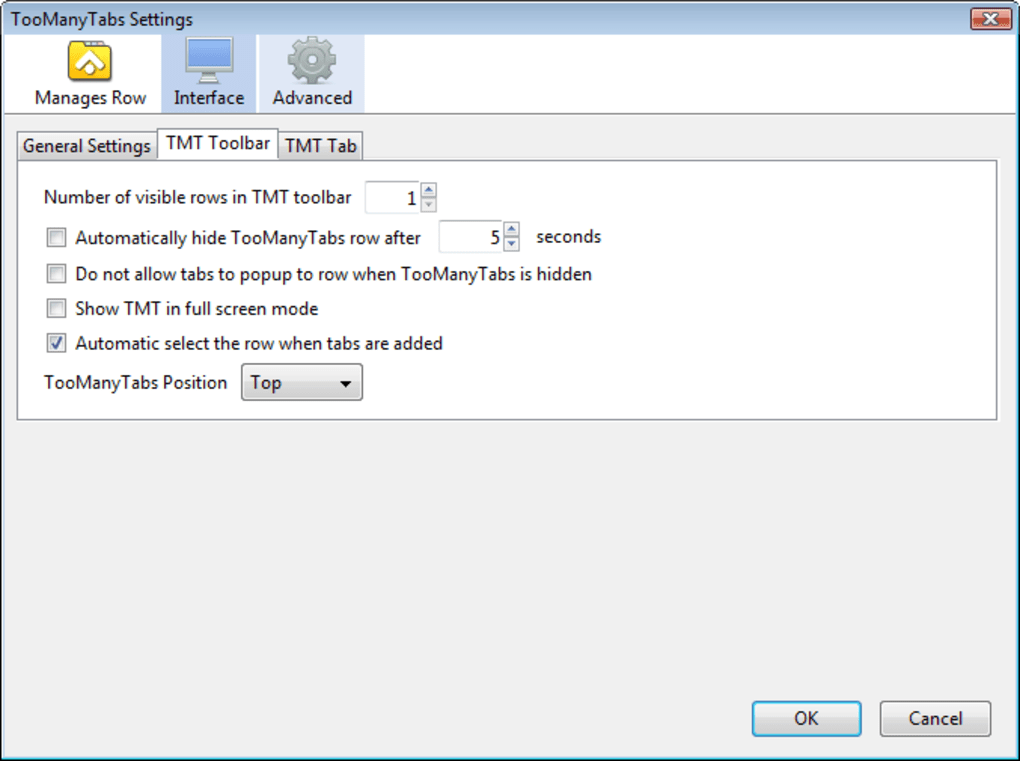
- Automatic Hiding Rules: Set criteria (e.g., inactivity time) so tabs are moved to a row automatically, keeping your bar clean.
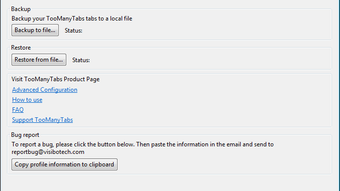
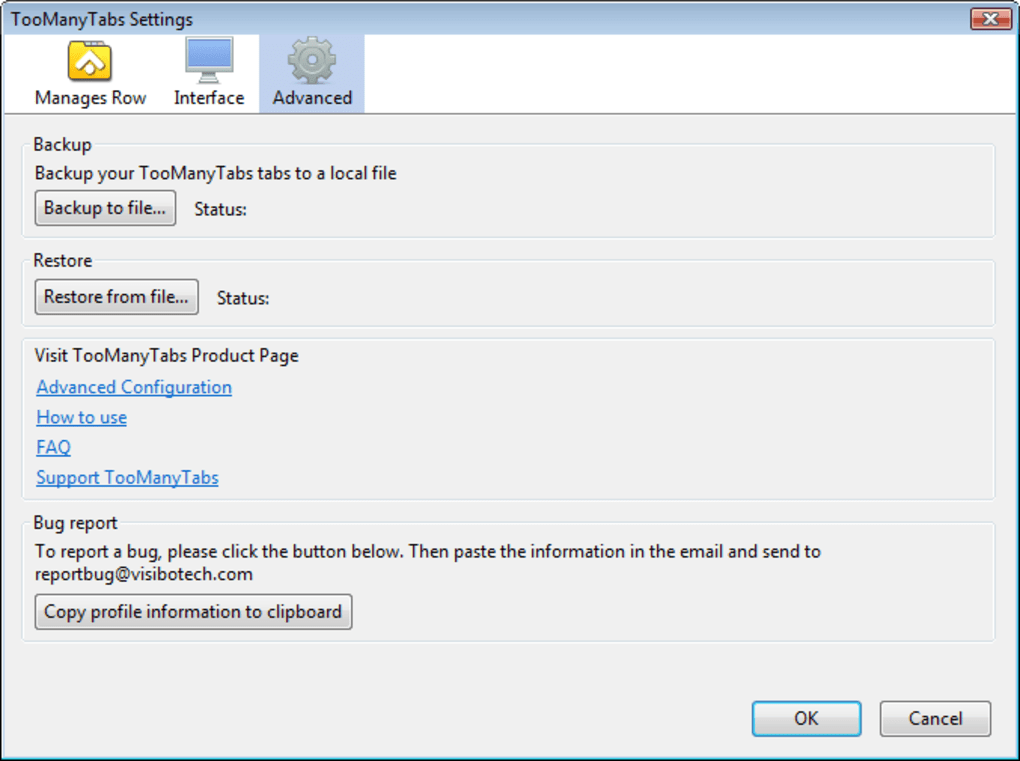
- Backup & Restore: Export your row configurations and import them later, ensuring you never lose a carefully arranged tab set.
- Customizable Row Names: Rename rows to match projects, research topics, or any workflow you prefer.
- Cross‑Platform Support: Works on Windows, macOS, and Linux versions of Firefox, with a Chrome counterpart for users on that browser.
- Lightweight & Secure: The add‑on is free, regularly updated, and follows Mozilla’s security guidelines to keep your data safe.
Installation, Usage Instructions & Compatibility Details
Step‑by‑Step Installation
Installing TooManyTabs is straightforward. Open Firefox, navigate to the TooManyTabs page on Mozilla Add‑Ons, and click the “Add to Firefox” button. Firefox will prompt you to confirm the permission request; approve it, and the add‑on will appear as a small toolbar icon next to the address bar. No manual download or extraction is required – the entire process takes under a minute, even on slower connections.
First‑Run Configuration
After installation, click the TooManyTabs icon to open the configuration panel. Here you can set the number of rows you want (default is three), enable automatic hiding, and choose default colors for new hidden tabs. For users who prefer a minimalist look, you can hide the toolbar button entirely and rely solely on the right‑click context menu. Remember to hit “Save” after making any changes; the extension writes these preferences to your Firefox profile, ensuring they persist across updates.
How to Hide and Retrieve Tabs
To hide a tab, simply right‑click its title on the tab bar and select “Send to TooManyTabs → Row 1” (or any other row you have configured). The tab instantly disappears from the bar and appears as a small entry under the chosen row. To bring it back, click the corresponding Row button in the toolbar; a dropdown will list all stored tabs for that row. Click the desired entry, and the tab re‑opens exactly where you left it. You can also drag and drop tabs between rows for quick re‑organization.
Advanced Actions: Renaming, Pinning, Coloring
Within a holding row, hover over a tab entry to reveal a set of action icons. Use the pencil icon to rename the tab – useful for turning vague titles like “Untitled” into descriptive labels such as “Q3 Marketing Dashboard.” The pin icon marks the tab as high priority, keeping it at the top of the row list. The palette icon lets you assign a color tag, which appears as a colored dot next to the tab name, giving you instant visual cues when scanning a row with many entries.
Compatibility – Supported Operating Systems & Firefox Versions
TooManyTabs is fully compatible with the latest stable releases of Firefox on Windows 10/11, macOS Ventura and later, as well as popular Linux distributions (Ubuntu, Fedora, Debian). For legacy users, the add‑on supports Firefox 3.6.x through version 1.2.0, though newer features require Firefox 60+. If you encounter the “custom toolbar buttons disappear” issue on Ubuntu Firefox Modifications, simply disable that add‑on as recommended in the release notes. The Chrome version follows a similar compatibility matrix, but this review focuses on the Firefox implementation.
Updates & Security
The development team releases updates roughly every six weeks, addressing bug fixes, performance enhancements, and compatibility with new Firefox releases. All updates are signed by Mozilla, guaranteeing that the code has not been tampered with. Users can enable automatic updates in Firefox’s add‑on manager, ensuring they always run the most secure version without manual intervention.
Pros, Cons & Frequently Asked Questions
Pros
- Eliminates tab clutter while preserving full tab state.
- Intuitive right‑click integration requires no learning curve.
- Highly customizable rows, colors, and automatic hiding rules.
- Lightweight footprint; does not noticeably affect browser performance.
- Free to use, with regular security‑focused updates.
Cons
- Initial configuration may be overwhelming for very casual users.
- Older Firefox versions (< 57) lack some advanced features.
- No built‑in cloud sync; backups must be exported manually.
FAQ – Answers to the Most Common Queries
Can TooManyTabs restore tabs after a browser crash?
Yes. Because each hidden tab’s state is saved in Firefox’s profile folder, the add‑on can recover them after an unexpected shutdown. When you restart Firefox, the rows will display a “Recovered” badge, and you can click to restore any tab exactly as it was before the crash.
Is there a limit to how many tabs I can store?
Practically no. TooManyTabs stores tab metadata in plain text files, so the only limitation is the amount of disk space available on your profile. Users have reported successfully managing several thousand tabs across multiple rows without performance degradation.
Do hidden tabs consume memory while they’re stored?
When a tab is moved to a holding row, the web content is unloaded, freeing most of its memory. Only minimal data required to restore the tab (URL, scroll position, form data) remains in memory, so overall RAM usage drops dramatically.
Can I sync my TooManyTabs rows across multiple devices?
The add‑on does not provide native cloud sync. However, you can export your row configuration (JSON file) and import it on another device manually. Some users combine this with Firefox Sync for bookmarks to achieve a partial workflow sync.
Is TooManyTabs safe for work or corporate environments?
Yes. The extension respects the same security sandbox as any other Firefox add‑on. It does not collect personal data, and all code is open‑source under a permissive license, allowing IT departments to audit it before deployment.
Conclusion – Take Control of Your Firefox Tabs Today
In the world of modern web browsing, the ability to keep your workspace organized can be the difference between productive research and endless frustration. TooManyTabs delivers a robust, free solution that turns an unwieldy tab bar into a well‑structured, easily searchable library of pages. Its blend of hidden rows, state preservation, and extensive customization options makes it a standout choice for power users, students, and professionals alike.
While the initial setup may require a few minutes of attention, the long‑term payoff—reduced visual clutter, faster navigation, and peace of mind—far outweighs that small investment. If you’ve ever lost a critical page among a sea of tabs or spent valuable minutes scrolling to find the right one, installing TooManyTabs is the logical next step. Click the download button below, follow the quick installation guide, and start experiencing a cleaner, more efficient browsing experience right away.







